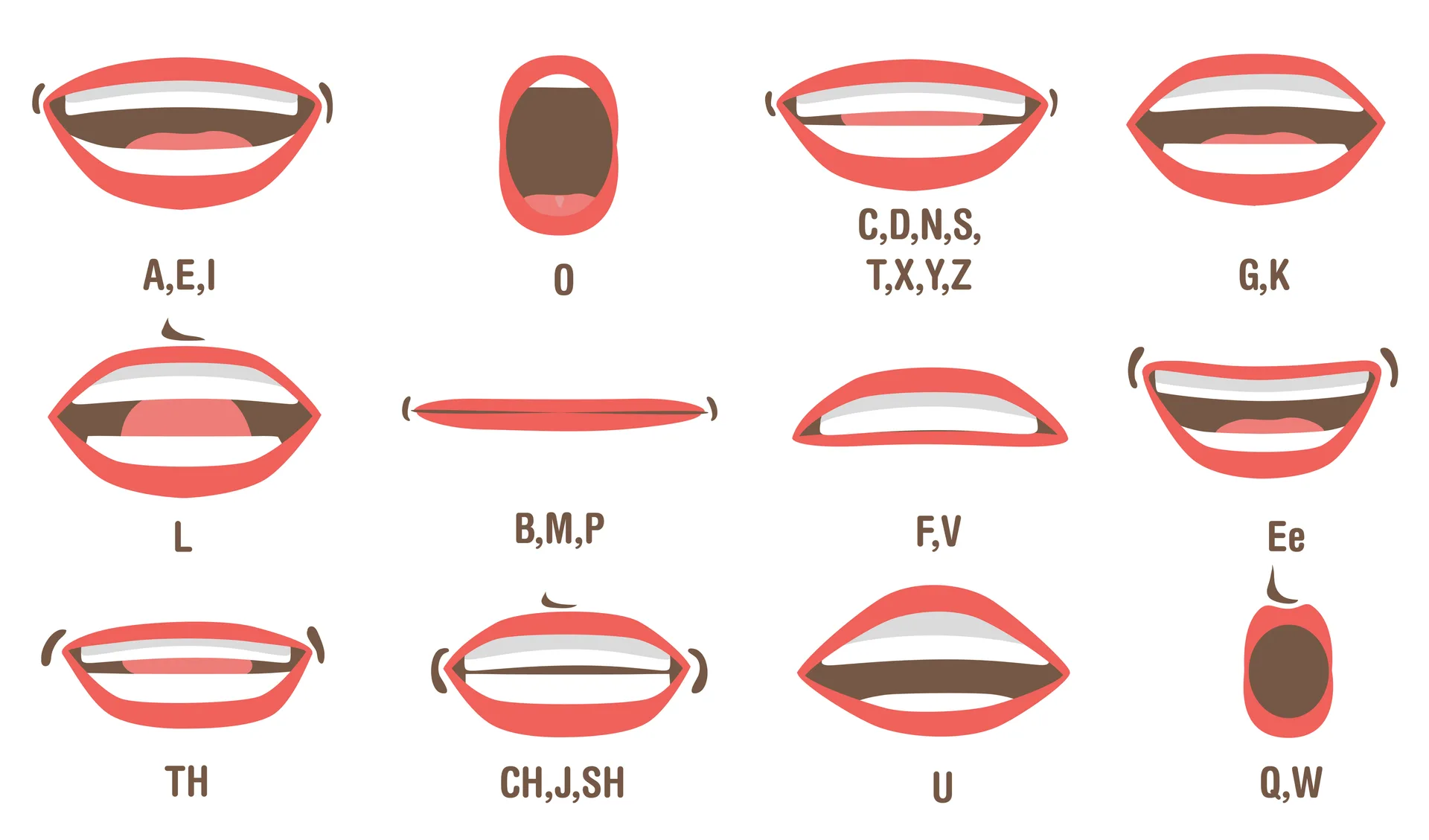
The same name can sound different because the selected language, voice and speech service differ between devices. Compare one setting at a time, then check the result with the person whose name it is.
Enter the same name on two devices and you may hear two different results. That is not necessarily a fault in the name or the tool. Browser text-to-speech is a request to a speech system, and the system available to answer that request varies.
The voice belongs to the browser or device
The Web Speech API lets a page ask the browser for its available speech-synthesis voices. The returned list can differ by operating system, browser, installed language packs, and user settings. A voice visible on one laptop may not exist on another phone.
That is why Name Speller labels the list as device voices. It does not send a name to a central voice catalogue or promise that every visitor will see the same choices.
Language changes the reading rules
A speech engine uses the selected language as a strong clue. The same letters can represent different sounds in English, Spanish, Turkish, Polish, or French. Selecting a language closer to the name’s pronunciation may improve the result, but language alone cannot resolve every name.
A multilingual person may also use a pronunciation that reflects family, regional, or personal preference. No dropdown can infer that reliably from spelling.
Names give the engine little context
Speech systems often use surrounding words to decide how text should sound. A name entered by itself offers almost no context. A spelling shared by several people may have more than one accepted pronunciation, and a rare name may resemble a common word from another language.
Try more than one suitable voice and compare the rhythm, stress, and individual sounds. Do not choose a result merely because it sounds confident.
Use playback as a starting point
Browser speech is useful for rehearsing a name, checking how a written pronunciation hint behaves, or hearing letters spoken slowly. It is less suitable as evidence that one pronunciation is universally correct.
For your own name, pair a short written pronunciation guide with a recording in your voice. For someone else’s name, ask them or use a source they have approved. The respectful answer to uncertainty is not a more forceful synthetic voice; it is better evidence. You can compare the voices currently available in your browser with the Name Speller tool.
Compare voices with one name
- Open the Name Speller pronunciation tool and enter the exact same spelling for each attempt.
- Select a Language, then a named Voice if one is available.
- Choose Hear the name. Notice which syllable is stressed and which vowel or consonant differs from the pronunciation you want.
- Change only the voice and repeat. If the language is unsuitable, change Language next and select a voice from the new list.
- Use Stop before starting a new comparison. Confirm a person's name with them rather than choosing the most confident-sounding output.
When the available voices do not help
| What happens | What to try |
|---|---|
| Only Device default appears | The browser may not expose a matching named voice. Check the device's language/voice settings or try another browser. |
| A selected voice will not play | Try another voice and check sound output. The tool should display a playback error when the speech engine reports one. |
| Letters sound right but the name does not | Spell the letters and Hear the name perform different tasks. A correct sequence of letter names does not establish a full pronunciation. |
| Every voice misses the desired sound | Use a recording supplied or approved by the name bearer and a short written cue. |
The browser's available voice list and the language requested for an utterance are separate controls. A language label does not mean every device has the same voice installed.
For help obtaining the reference pronunciation, see how to ask and confirm a name. For letter-by-letter communication, use the phone spelling script.