
Name Speller
All Articles
-

Apostrophes, Hyphens and Spaces in Names: Store Them, Search Carefully
Keep the spelling a person gives you while supporting tolerant search. A practical checklist for forms, CRM imports and duplicate review.
-

Two Names Can Look Identical but Compare Differently: Unicode Normalization Explained
Learn why identical-looking names compare differently, how NFC normalization helps, and why a matching string does not identify a person.
-
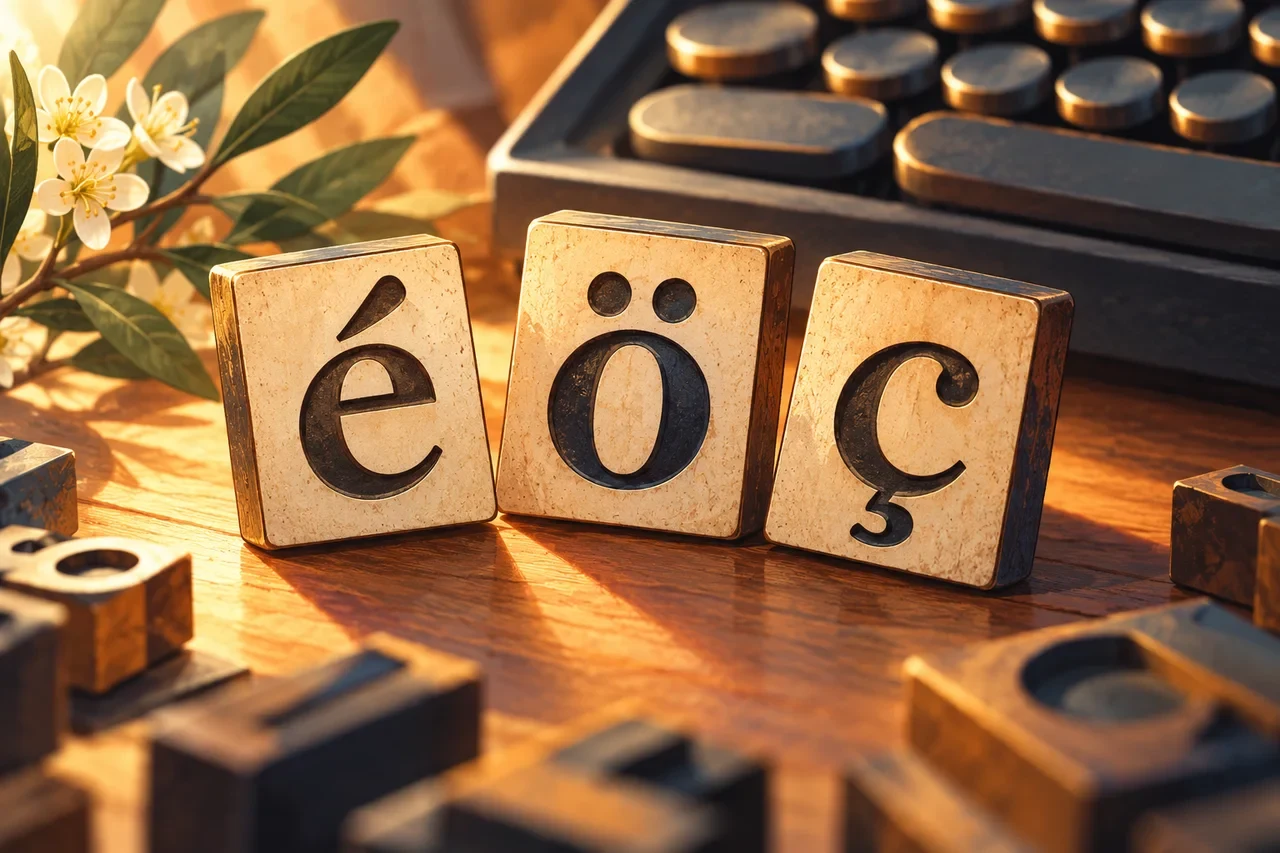
Do Not Delete the Accents: How Diacritics Change Names in Databases and Search
Preserve names with diacritics while designing useful search keys, locale-aware comparisons and safer record matching.
-
IPA or Easy Respelling? Which Pronunciation Guide Should You Put Next to a Name?
IPA is precise for trained readers, while an audience-friendly respelling can be easier for announcers or coworkers who do not read phonetic notation.
-
When One Phonetic Hint Is Not Enough: Custom Pronunciation Lexicons for Names
Speech platforms can support pronunciation controls beyond inline hints; Microsoft Speech documents both SSML phonemes and custom lexicons.
-
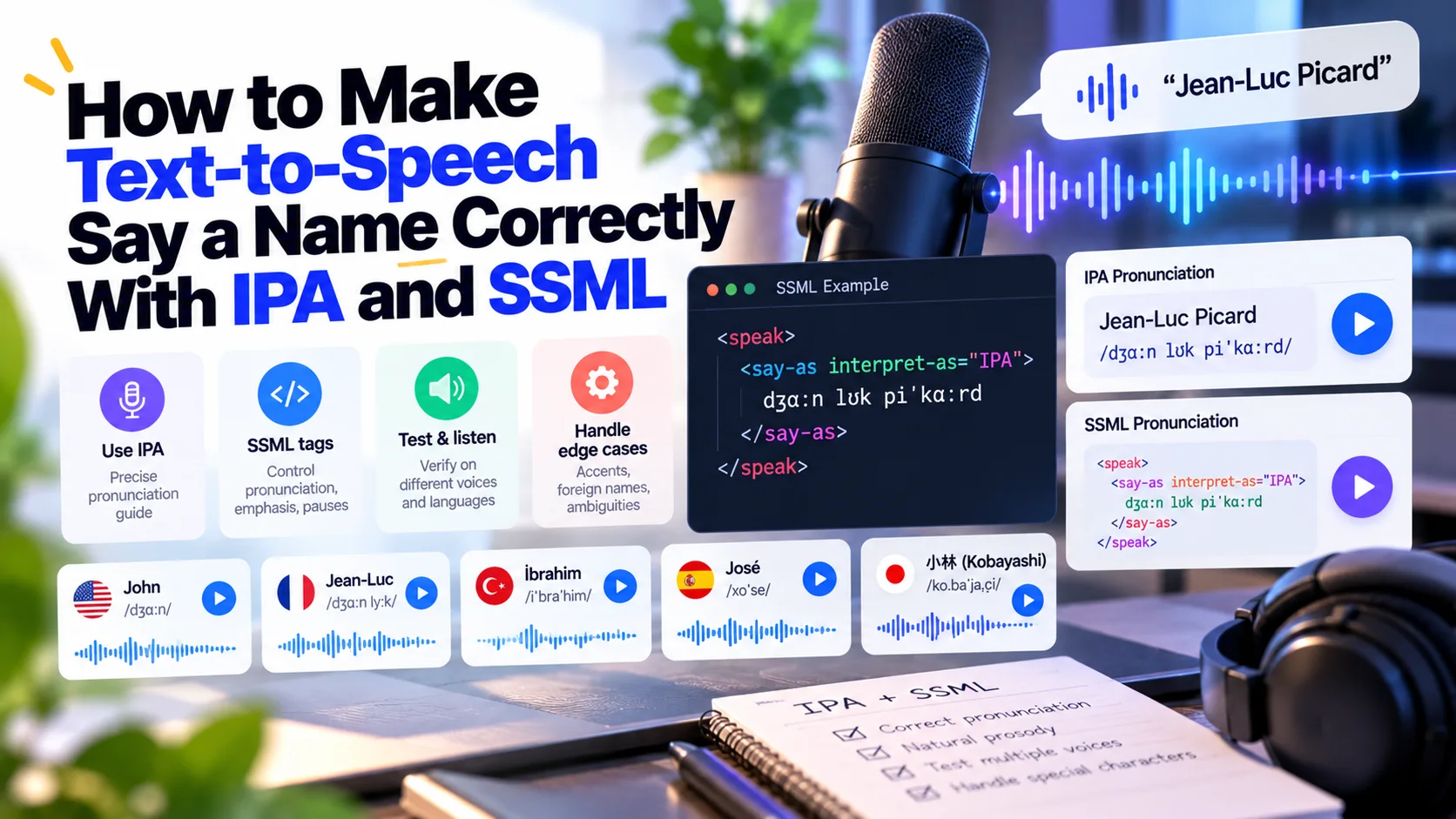
How to Make Text-to-Speech Say a Name Correctly With IPA and SSML
SSML phoneme markup can supply a custom pronunciation using phonetic alphabets such as IPA or X-SAMPA on supported speech systems.
-
Why Sorting People by Last Name Is Harder Than It Looks
Person-name formatting and locale-sensitive collation are separate problems; display order should not automatically be reused as a universal sort key.
-
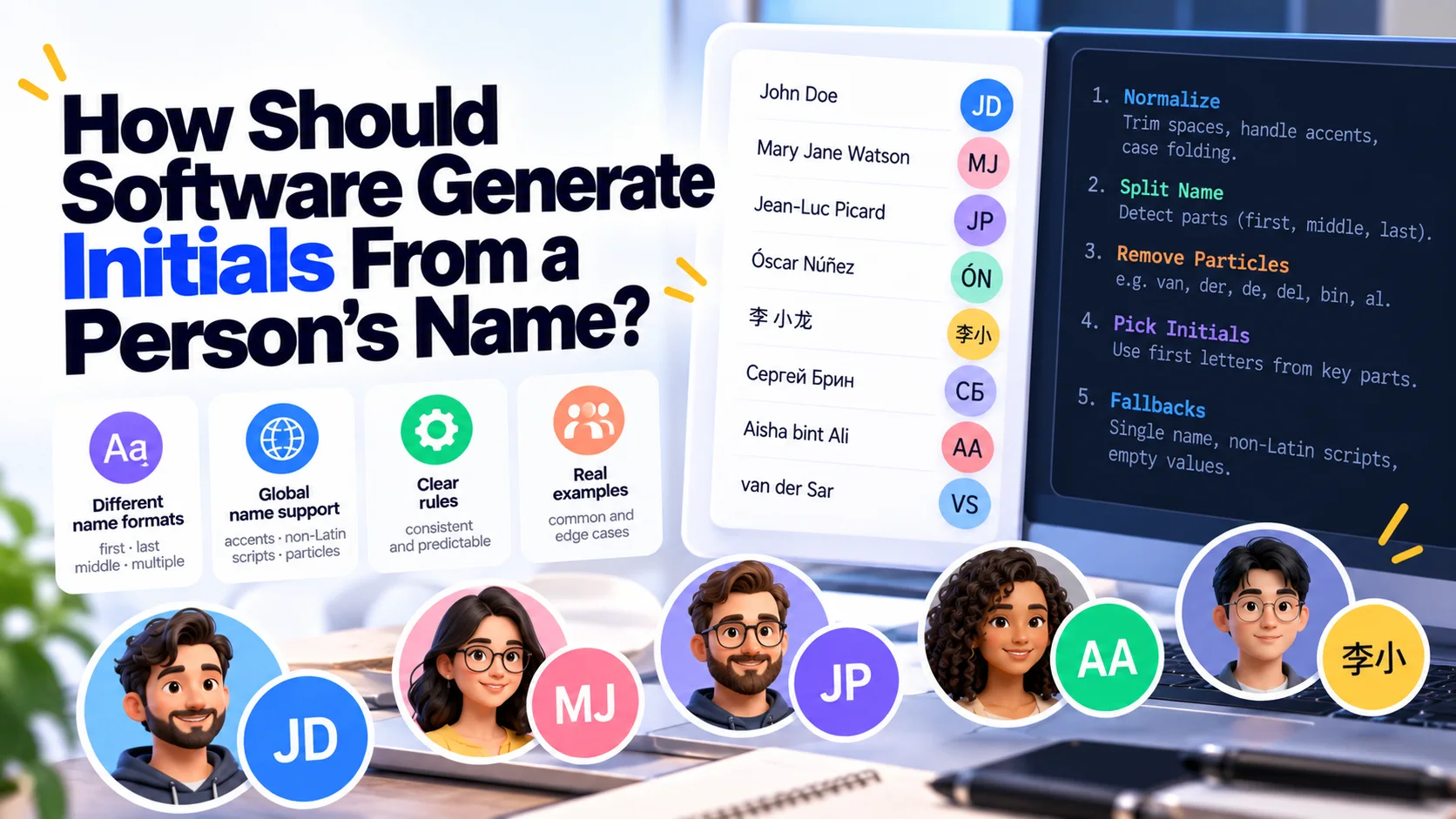
How Should Software Generate Initials From a Person's Name?
CLDR treats monograms as a distinct person-name formatting use case rather than assuming that taking the first character of two database fields is universally correct.
-

Middle Names Are Not Universal: Why 'Middle Name Required' Breaks Global Forms
A fixed Western-style given-middle-family schema cannot represent every person's name structure cleanly.
-

Preferred Name vs Legal Name: Which One Should a Form Ask For?
Many products need a display or preferred name for ordinary interaction while legal or verified identity fields are needed only for specific regulated workflows.
-

Whose Name Comes First? Given Name and Surname Order Across Locales
CLDR person-name formatting explicitly accounts for name order that can depend on the language of the name and the viewing locale.
-
What If Someone Has Only One Name? Designing Forms for Mononyms Without Fake Surnames
Real naming systems do not always provide both a given name and a surname, so software that requires both can force users to invent data.
-

First Name, Last Name Is Not Universal: How Software Should Store and Display Personal Names
Unicode CLDR's person-name model exists because name order, formality, length and available name parts vary by language and context.
-
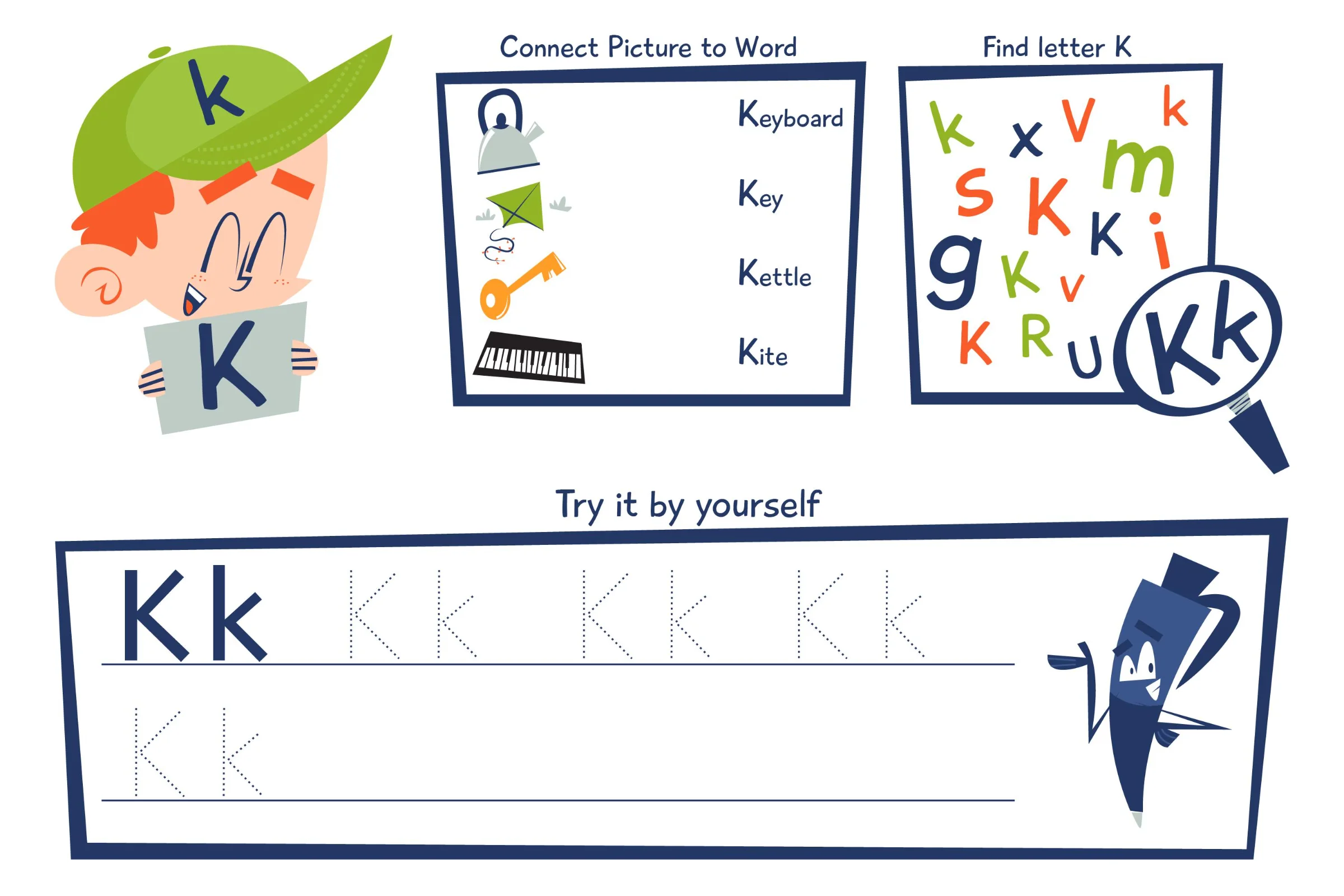
Phonetic Alphabet or Everyday Words? How to Spell a Name Clearly
Explore the benefits and drawbacks of using standardized phonetic alphabets versus everyday words for spelling names in various settings.
-
How to Confirm the Spelling of a Name Without Making It Awkward
Learn how to confirm the spelling of names respectfully, covering diacritics, spacing, hyphens, and capitalization.
-
Help a Graduation Announcer Say Your Name: Recording and Reader-Note Checklist
Record your name slowly and naturally, then give the graduation announcer a short phonetic cue with stress, pauses, and one essential correction.
-
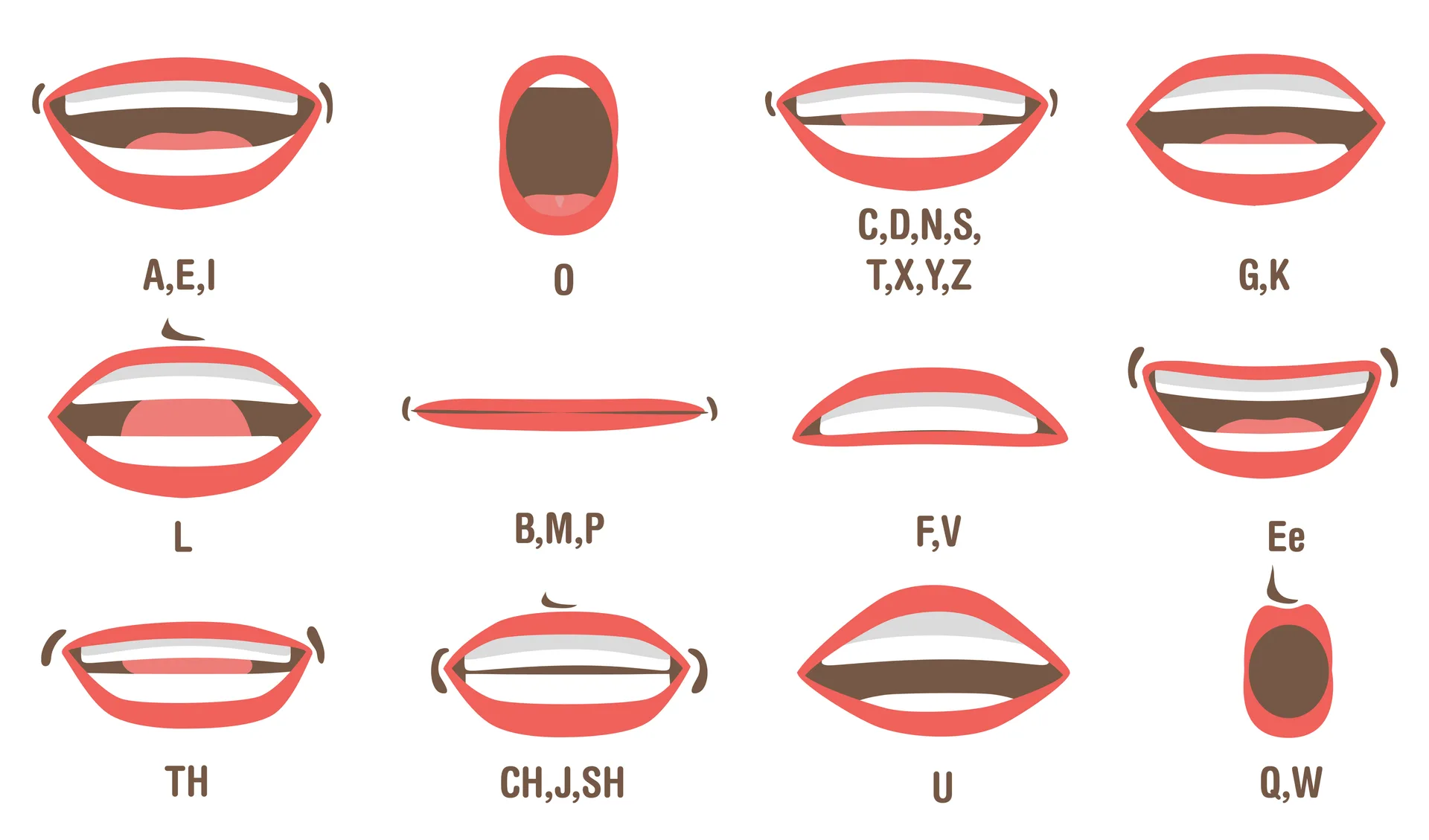
How to Ask Someone to Pronounce Their Name: Phrases to Use
Phrases for a first meeting, a correction or asking again. Confirm the pronunciation with the person and keep a useful cue for next time.
-
Why Does Text-to-Speech Pronounce My Name Differently?
Compare the same spelling across language and voice settings. Use browser speech for practice and a person-approved recording as the reference.
-
How to Write the Phonetic Pronunciation of Your Name
Build a short pronunciation note with sound chunks, a stress cue and an optional recording. Keep this separate from spelling letters aloud.
-
How to Spell Your Name Over the Phone: Script and Letter Cues
Say the name, spell it with clear letter cues, and ask for a read-back. Use a separate pronunciation guide when the listener needs the sounds.