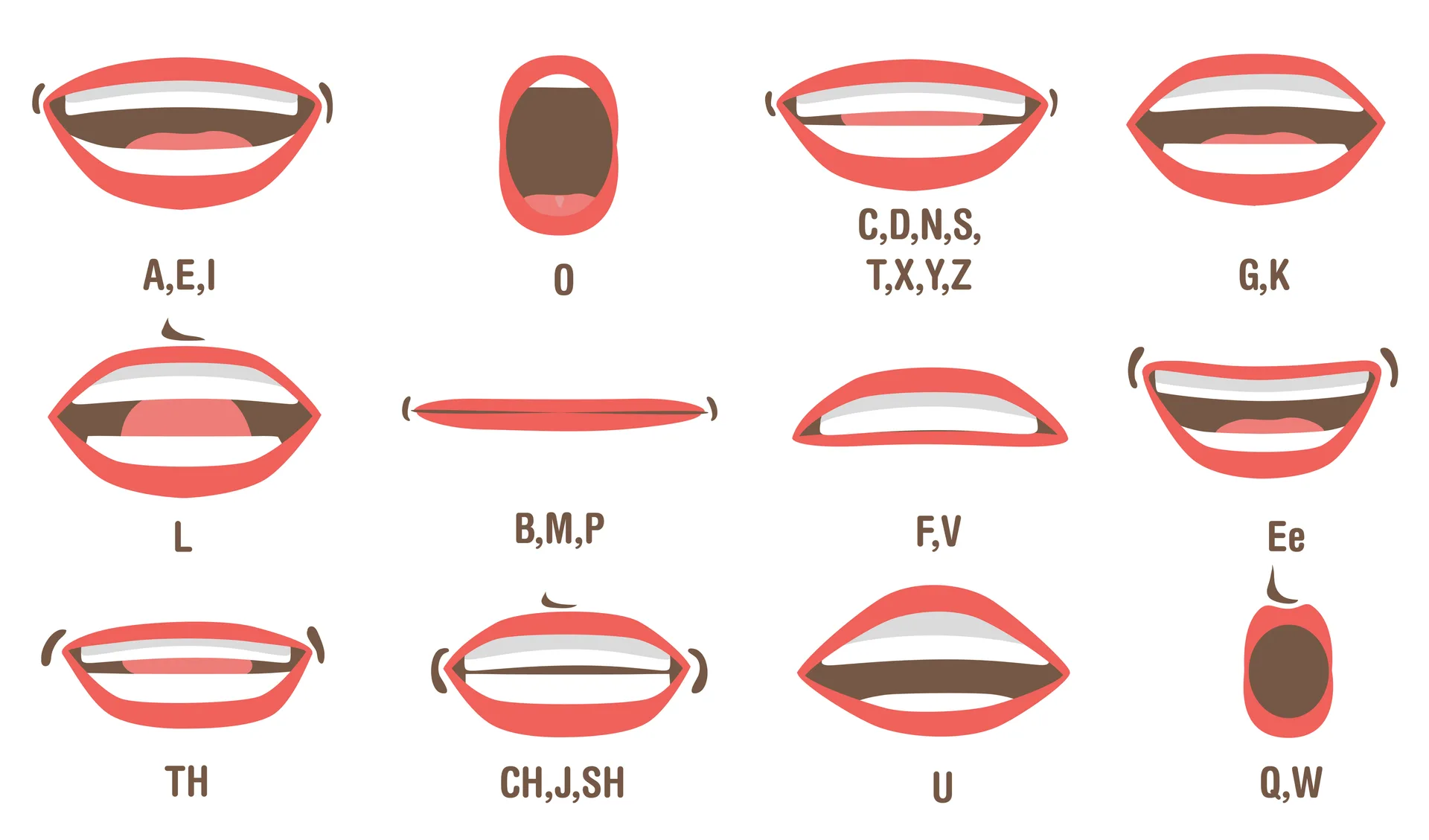
To write the phonetic pronunciation of your name, show the sounds in short chunks, mark the stressed part, and check the result against your own voice. A simple respelling such as “la-MEE-ra” is a reading aid; “L as in Lima” tells someone which letter to write. Use the format that answers the question on the form.
A pronunciation guide should help someone get closer on the first attempt. It does not need to describe every detail of an accent, and it should not imply that everyone with the same spelling says a name the same way.
Begin with the name bearer’s version
The person whose name it is is the best source for how they want it said. A dictionary entry, a popular recording, or a text-to-speech voice can offer a useful prompt, but none of them overrules the person.
If you are writing about someone else, ask for their preferred pronunciation or use a recording they have approved. When that is not available, label the guide as an approximation and explain the source.
Divide the name into speakable parts
Write the pronunciation in two or three chunks that an English-speaking reader can say. Use hyphens for syllable breaks and capital letters for the stressed part. For a made-up example, “la-MEE-ra” tells the reader both the rhythm and the emphasis.
Avoid a guide that is harder to decode than the original name. If you use the International Phonetic Alphabet, pair it with a plain-language respelling unless the audience is expected to read IPA.
Explain one difficult sound
A familiar comparison can clarify a vowel or consonant: “the first syllable rhymes with day.” Keep the comparison short and consider the reader’s accent. Two English speakers may not pronounce the comparison word identically.
Do not reduce a name to a joke, a stereotype, or an unrelated English word simply because it sounds similar. A guide can be memorable without being disrespectful.
Test the guide with a real reader
Give the written guide to someone who has not heard the name. Ask them to read it once without coaching. Their first attempt will show where the respelling is ambiguous.
Then add a short recording if the format allows it. Written and spoken guidance work well together: the text is scannable, while audio preserves timing and stress.
Keep a compact version
For a profile or meeting invite, a useful pattern is:
Compact pattern: Name — syllable guide — stress note — optional audio link.
Name Speller’s browser voice can help you compare possible respellings. Voices differ between devices and languages, so use the result as a draft check. Your own recording remains the clearest reference for your own name. The guide to why text-to-speech voices disagree explains those differences.
A pronunciation template you can copy
Written name: [your name]
Say it: [syllables separated with hyphens]
Emphasis: [the stressed syllable]
Audio: [a short recording you approve]
For the invented name Lamira, an illustrative note might be “la-MEE-ra; stress the middle syllable.” This demonstrates the format, not a rule for anyone who uses that spelling. Record the name once at conversational speed and once more slowly, without exaggerating every syllable.
Pronunciation is different from spelling aloud
A phonetic respelling tells a reader how to say a word. A spelling alphabet tells a listener which letters to write. If a receptionist needs your spelling, “L as in Lima” answers a different question from “la-MEE-ra.” Use the phone spelling guide for letters and this template for spoken pronunciation.
Before adding it to a profile
- Ask one unfamiliar reader to try the guide without hearing your recording first.
- Change only the part they misread; a longer guide is not automatically clearer.
- Check that the audio link opens without requesting access to a private drive.
- Use the version you want in that setting, including any preferred shortened name.
Try the note in the name reader
- Open the Name Speller voice tool and enter your ordinary name spelling.
- Choose a suitable Language and Voice, then select Hear the name.
- Try your respelling as a separate input and compare it with your own spoken version.
- If the engine ignores a hyphen or stress cue, keep the written note that a human reader understands; do not change your preferred pronunciation to match the software.
The tool reads text aloud; it does not automatically produce a phonetic transcription. If a form specifically requests IPA, use the International Phonetic Association's sound chart and have the transcription checked. Plain-language cues and IPA symbols are different systems.
If you are preparing someone else's introduction, ask them to confirm the pronunciation before using your note publicly. For a ceremony, follow the organiser's actual submission process; our recording and reader-note checklist helps prepare the materials.